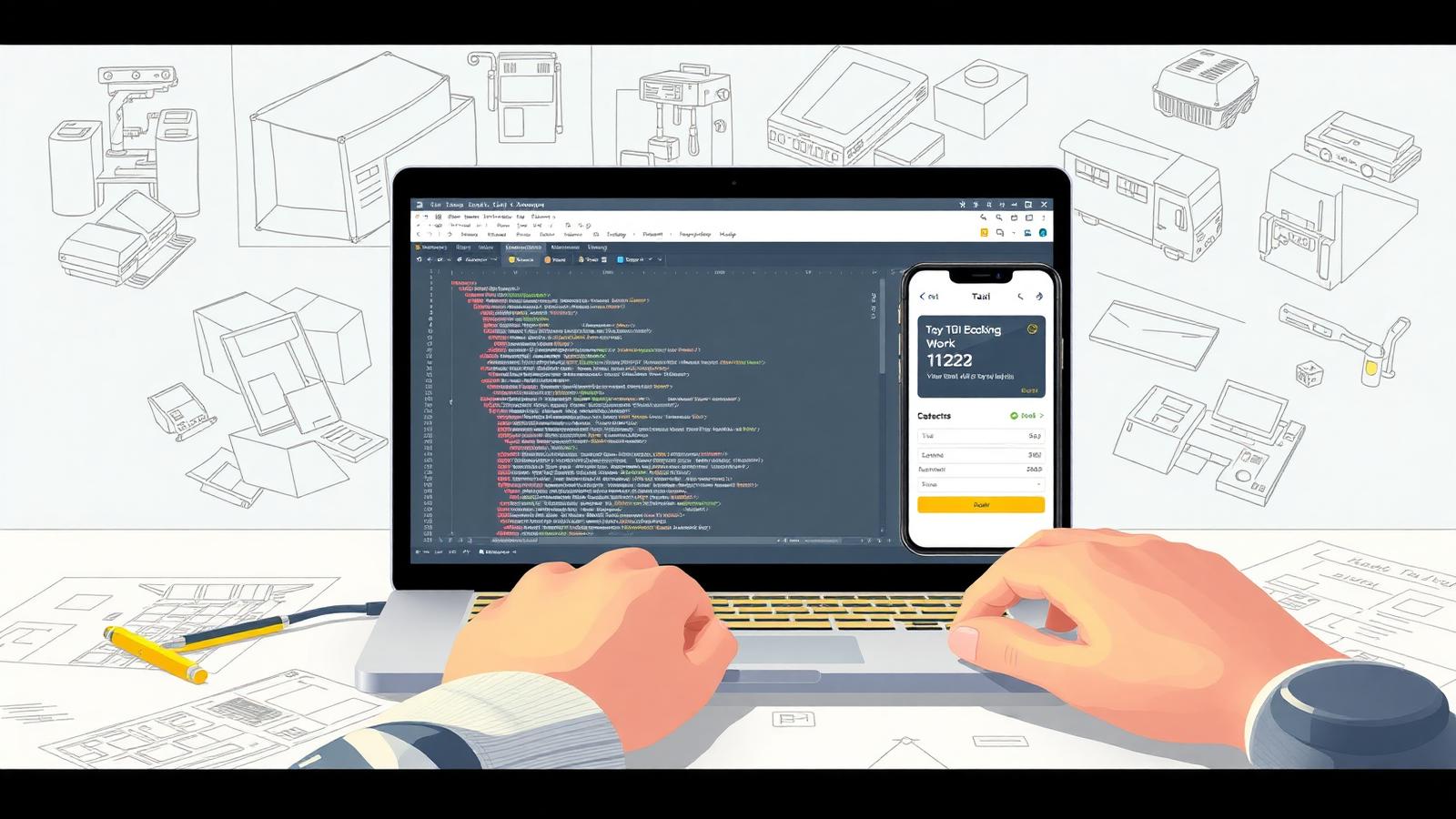
This is a working 2026 guide to building a taxi booking software end-to-end. It is written for founders, CTOs and operators who want a clear picture of what it actually takes to ship — the architecture, the team, the money, the timeline and the decisions that decide whether the product survives its first 12 months in market.
Before you begin: in 2026, more than 90% of new taxi operators reach revenue faster by white-labelling a proven platform than by building from scratch. Taxi Web Design's dispatch software is one such option and launches in 2–4 weeks. If you've validated that custom build is the right call, the rest of this guide is the playbook.
Step 1 — Validate the Market Before You Write Any Code
Most taxi booking software projects fail in step 1: founders assume the demand. Spend 3–4 weeks interviewing at least 25 drivers, 10 fleet owners and 30 passengers in your target city. You're testing three things: (1) is there an unsolved booking or payment pain that incumbents like Uber, Bolt and the local PHV apps don't address; (2) will operators pay a per-job, per-driver or SaaS fee for your solution; (3) is the regulatory environment workable. Write a one-page market memo before moving on. If the memo reads weakly, switch to a white-label launch instead.
Step 2 — Choose Your Tech Stack and Architecture
The 2026 default stack is React Native (or Flutter) for the two mobile apps, React for the dispatch console, Node.js or Go on the backend, PostgreSQL + PostGIS for geospatial queries, Redis for real-time state, and WebSocket/MQTT for live driver location streaming. Use Mapbox or Google Maps for routing and ETAs, Twilio for SMS, and Stripe or Adyen for payments. Host on AWS, GCP or a managed platform like Supabase to keep DevOps cost down.
- Monolith vs. microservices: Start monolithic. Split services only when a clear scaling pain emerges (usually 50k+ trips/month).
- Data model: Trips, drivers, vehicles, passengers, fares, zones, payments — design the schema in week 1.
- Real-time: A single WebSocket service pushing driver positions every 3 seconds is enough for <500 active drivers per city.
Step 3 — Design the Passenger App
The passenger app is the front door — every UX flaw costs you a booking. The 2026 minimum viable passenger experience is: location autodetect, pickup and drop-off entry with autocomplete, fare estimate, vehicle category picker, payment method, instant or scheduled booking, real-time driver location with ETA, in-app messaging, and a rating screen. Benchmark every screen against Uber and Bolt — anything more than two taps away from "book now" is a regression. Bake corporate account login into the same app from day one (see corporate transport software).
Step 4 — Design the Driver App
The driver app decides whether drivers stay or churn. The 2026 must-haves are an online/offline toggle, an incoming-job card with a 12-second accept timer, turn-by-turn navigation (handed off to Google Maps or Waze), one-tap arrival/start/end, in-app earnings dashboard updated in real time, weekly statements, and a built-in document vault for licences, insurance and PCO renewals. The fastest way to lose drivers in 2026 is a slow or buggy earnings screen — they check it 20+ times a shift.
Step 5 — Build the Dispatch Console and Admin Panel
The dispatch console is where the operations team lives. It needs a live map with all drivers, the active jobs queue, manual assign/reassign, a zone editor, a fare rules editor, and a corporate accounts module with cost centres and monthly invoicing. Pair it with an admin panel for driver onboarding, vehicle management, payouts, refunds, audit logs and reporting. Modern dispatch consoles in 2026 also include chain dispatch (next job lands on the driver's phone before the current one ends) — see how this works in our dispatch software overview.
Step 6 — Integrate Payments and Pricing
Payments are non-negotiable. Integrate Stripe (or Adyen for global), enable Apple Pay and Google Pay, and ship 3-D Secure from day one. Cover four payment scenarios: pre-authorised card-on-file, in-app card payment, in-car terminal, and corporate invoice. Add tipping, split-fare and refunds. Build your pricing engine to handle base fare + per-km + per-minute + zone multipliers + surge + waiting time + airport surcharges + tolls. The payment processing layer is also where most failed startups discover compliance gaps — PCI-DSS Level 1 attestation is required if you store card data.
Step 7 — Wire Up GPS Tracking and the Routing Engine
Real-time GPS tracking is the operational core. Drivers should ping every 3 seconds when on a trip and every 10 seconds when idle to balance battery life and accuracy. Store every ping in a time-series table — you'll need it for dispute resolution, surge modelling and reporting. The routing engine should compute ETAs, optimal pickup driver, and trip distance/duration estimates. Use the Mapbox Matrix API or Google Distance Matrix for real-time allocation decisions, and snap GPS pings to the road graph for accurate trip replay.
Step 8 — Test Everything, Then Test It Again
Taxi software fails in the field, not in the lab. Run three test layers: (1) automated unit and integration tests covering the booking, dispatch and payments code paths — aim for 70%+ coverage; (2) a 4-week closed beta with 10 real drivers and 50 friendly passengers in one zone, capturing every booking attempt; (3) a 2-week parallel run alongside your existing system if you're migrating an operator. Track three metrics during beta: booking success rate (target >98%), average allocation time (target <6 seconds), and payment success rate (target >99%).
Step 9 — Launch in a Single Zone, Then Expand
Launch in one geographic zone with one operator. Do not launch a multi-city product on day one. The first zone is where you discover the 30–50 edge cases your beta missed — airport pickups, midnight surge, driver no-shows, payment retries, refund disputes. Fix every one before opening zone two. Most successful 2026 taxi booking products spend 3–4 months in their launch zone before expanding, and the second zone takes a third as long to bring online because the playbook is already written.
Step 10 — Plan for Scale, Reporting and Continuous Improvement
Post-launch, three things determine survival: reporting, retention and roadmap. Ship a reporting suite covering trips, revenue, driver earnings, cancellation rate, wait times and corporate billing — see the patterns in reporting and analytics. Run a weekly driver retention review and a monthly product retro. Plan capacity: at 50k trips/month split the booking and dispatch services; at 200k/month add a separate analytics database. The taxi booking products that win in 2026 are the ones that ship a meaningful operator improvement every 14 days for the first 18 months.
Build vs. Buy — The Honest Framework
If you've read this far you've seen the scope. The honest answer for most operators is to buy a white-label platform, brand it, and use the saved 9–12 months to win drivers and corporate accounts. Build only if you have a genuine product hypothesis the market doesn't serve and the capital to fund 12+ months of engineering.
- Build cost: $80,000–$260,000 + 18–25%/year maintenance.
- Buy cost: White-label dispatch platforms start around $8,500 one-off (see pricing).
- Time to first booking: Build = 14–20 weeks (MVP). Buy = 2–4 weeks.
Frequently Asked Questions
See the FAQ section below for detailed answers on timeline, cost, tech stack, build-vs-buy, mandatory features and regulatory compliance.
Related reading: Taxi dispatch software · Payment processing · Reporting and analytics · Corporate transport software.
Want to Skip 10 Months of Engineering?
Book a free consultation with Taxi Web Design and see a fully branded, production-ready taxi booking platform you can launch in under 4 weeks — passenger app, driver app, dispatch console, payments and GPS tracking included.