
Moving employees by taxi is easy. Moving them with approvals, safety visibility and clean records is harder. This guide covers approval workflows, duty of care, tracking, onboarding at scale, and the hotel and concierge cases.
How do approval workflows for corporate rides work?
An approval workflow decides whether a ride may be booked. Start with the rule you want, then check the software can enforce it.
| Rule | Example | What to confirm |
|---|---|---|
| Fare threshold | Rides over a set amount need manager sign-off | Does the booking wait, or is it only flagged? |
| Time rule | Late-night rides need a reason code | Can the reason be mandatory? |
| Destination rule | Airport trips allowed; out-of-region needs approval | Can destinations be restricted? |
| Role rule | Only listed staff may book | Who adds and removes users? |
Approval automation differs between providers, so ask to see it live. Do not assume a taxi app includes it.
What does duty of care mean for corporate taxis?
Duty of care is your obligation to take reasonable steps to keep travelling staff safe. For ground transport that typically means:
- Knowing who is travelling, when and to where.
- Seeing a trip's live status, especially late at night.
- Sharing driver and vehicle details before pickup.
- A way to escalate if a trip goes wrong.
- An audit trail of every trip.
Provider licensing matters too: in the UK, check that private hire operators, vehicles and drivers are licensed in the relevant area. See our TfL compliance guide.
Can managers see rides in real time, including late at night?
Yes, if the platform provides live tracking and a manager view. Ask for a late-night corporate scenario in the demo: a staff member books at 23:30, the manager sees the trip status, and the record is stored. Taxi Web Design includes live tracking and trip records; see real-time monitoring.
How do you onboard 500 or more employees?
- Import: upload staff from a spreadsheet with name, email and cost centre.
- Invite: send a booking link or sign-in invitation.
- Pilot: start with one department and collect feedback.
- Train: a one-page guide plus a support contact.
- Report: send managers a monthly summary.
What about hotels, concierges and front desks?
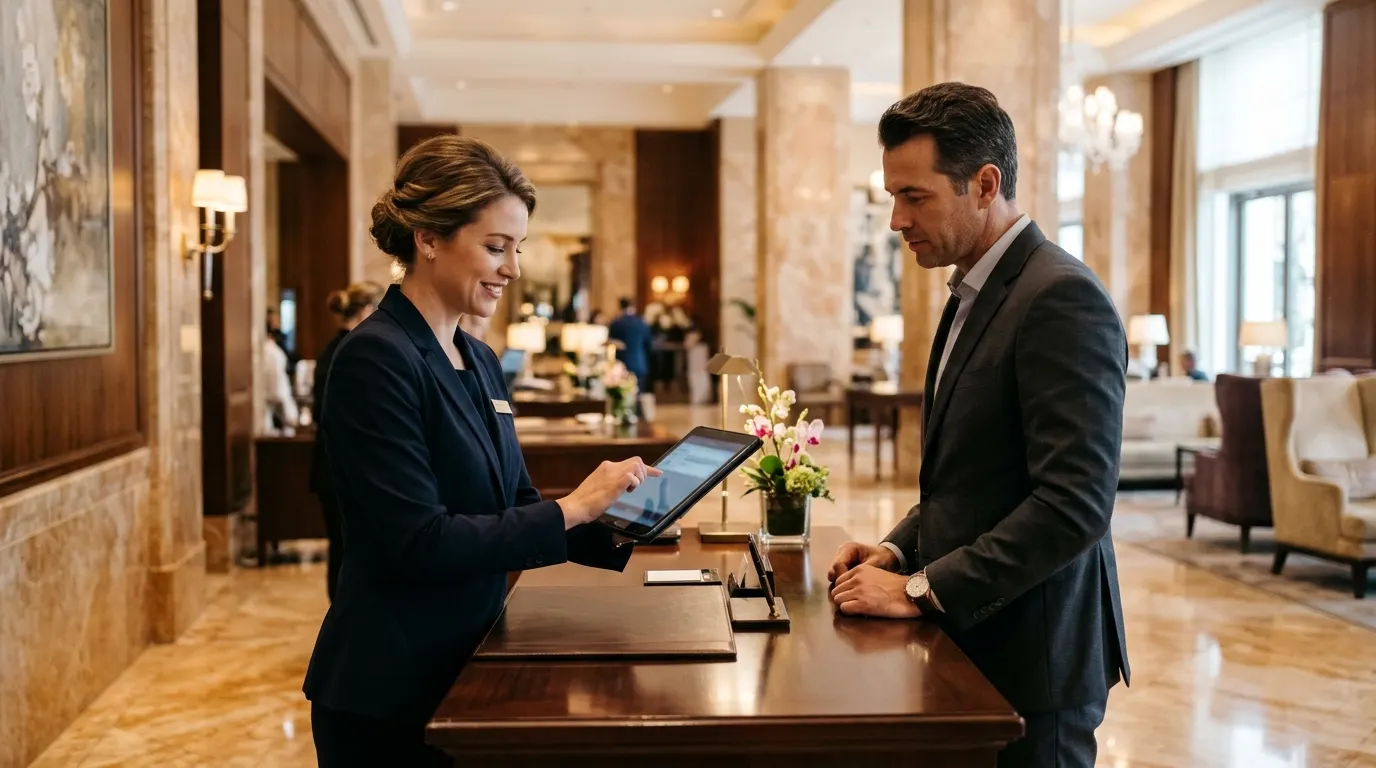
Hotel desks need speed. A front desk booking several taxis for guests during the morning rush needs a form that sends each request to dispatch without a phone call, plus a way to see ride status for guest safety. A concierge calling a premium car for a VIP uses the same idea: a saved login, a vehicle class and a pickup time. See channel-manager and booking integrations.
Why centralise bookings instead of letting staff use their own apps?
- Cost: negotiated rates and one invoice.
- Safety: trip records and tracking in one place.
- Control: approvals and budgets.
- Reporting: spend by team, route and time.
The trade-off is convenience: staff expect an app experience, so the booking flow must be as simple as a consumer app.
One dashboard across cities
For travel managers running staff in London and elsewhere, or in Ireland, ask for a single dashboard that shows trips, status and spend across all cities, with filters by employee and cost centre.
Give corporate clients tracking, accounts and statements
Taxi Web Design is dispatch, booking and branded-app software for taxi, limo and chauffeur operators: web plans from $399 setup plus $10 a month, app dispatch from $499 setup plus $149 a month, and zero booking commission. There is no free trial; instead you get a guided live demo and a sandbox to test with your own routes.
Read next: cost centres and consolidated invoicing and GDPR for UK taxi operators.