
Buying dispatch software is the easy part. Running it well for years is where most operators lose time. This guide walks through install, deploy, daily use, update, maintenance and security in the order you will meet them.
1. How do you install or deploy taxi dispatch software?
Cloud: nothing to install on your own servers. You receive an admin login and configure it. Self-hosted: you also need a server, database, SSL certificate and a backup routine. Most small fleets should choose cloud; see cloud vs on-premise and dispatch system setup.
- Add vehicles and drivers.
- Set zones and fares.
- Connect payments.
- Install the driver app on phones.
- Publish the booking page.
- Run test bookings end to end.
2. How do you use taxi dispatch software day to day?
A dispatcher watches the board: new bookings appear, auto-dispatch offers them to drivers, and the dispatcher steps in for exceptions. Drivers accept jobs in the driver app, follow navigation and complete the trip. See how taxi dispatch software works.
3. How do you automate dispatching?
Pick the allocation rule, keep a manual override and set timeouts. Our guide to automatic dispatch shows the options.
| Rule | Good for |
|---|---|
| Nearest driver | Street-hail style, short waits |
| Zone priority | Airports, ranks and queues |
| Rotation | Fairness between drivers |
| Rating or tier | Premium and corporate work |
4. How do you update taxi dispatch software?
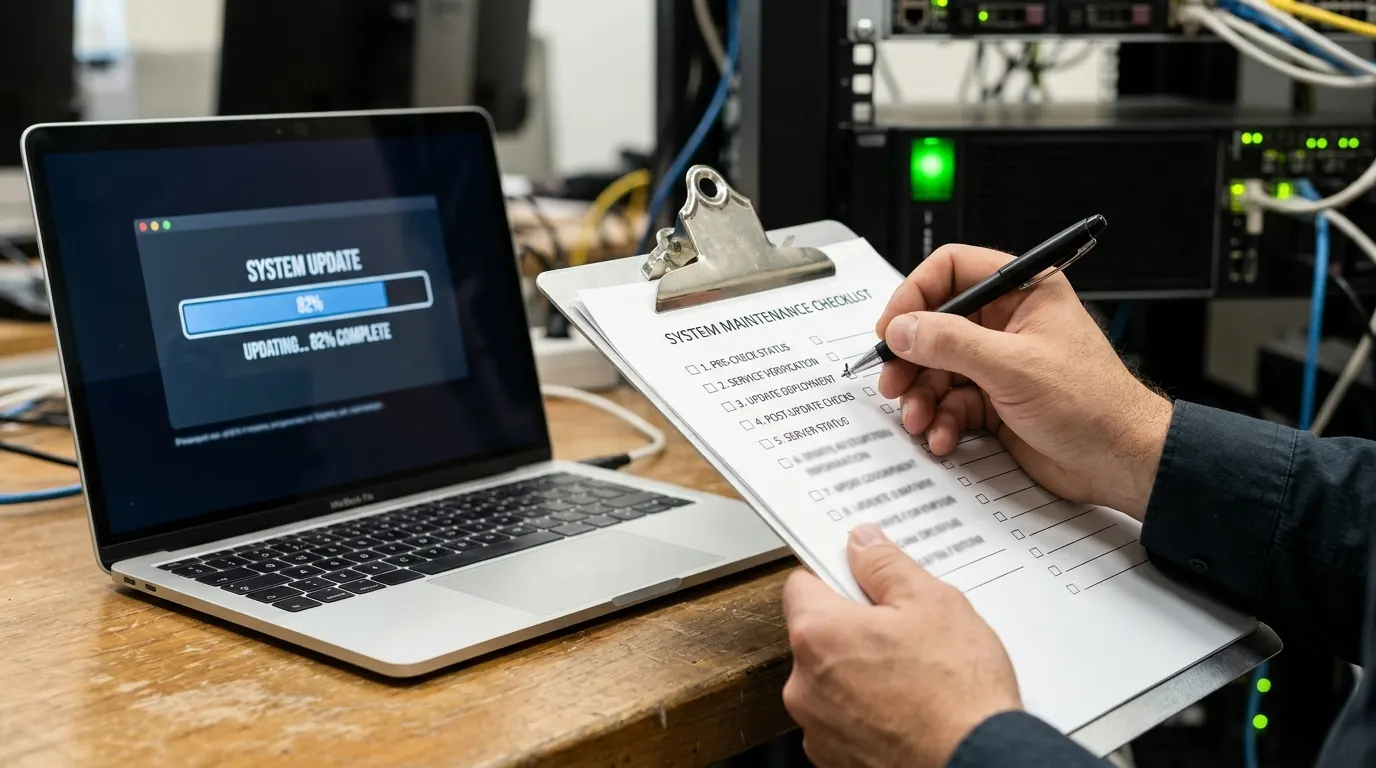
On cloud software the vendor updates the platform. Your tasks are reading release notes, testing on one phone, and keeping driver apps updated. Ask the vendor for a rollback plan and a maintenance window outside your peak hours.
5. How do you maintain it?
- Weekly: place a test booking and complete it.
- Monthly: review users, roles, fares and zones.
- Quarterly: review failed payments, driver complaints and reports.
- Always: keep an exported backup of customers and bookings.
6. How do you secure taxi dispatch software?
- Unique strong passwords and two-factor sign-in.
- Lowest necessary role per user; remove leavers the same day.
- Card data handled by a PCI-compliant payment provider such as Stripe, not stored by you.
- Ask the vendor about encryption, backups, uptime and breach notification.
- Follow data-protection law; see GDPR for taxi operators.
7. How do you implement a full taxi management system?
Treat it as a project with an owner, a date and a checklist: scope, configure, migrate data, train, pilot, go live and review at 30 days. A taxi management system also covers fleet records, driver documents, accounting and reports; see fleet management features.
Where to find fleet management tools for a small business
Start with the dispatch platform you already use, because vehicle records, driver documents and reports are often included. Add a separate fleet tool only when you outgrow them.
See install, configure and go-live in one demo
Taxi Web Design is dispatch, booking and branded-app software for taxi, limo and chauffeur operators: web plans from $399 setup plus $10 a month, app dispatch from $499 setup plus $149 a month, and zero booking commission. There is no free trial; instead you get a guided live demo and a sandbox to test with your own routes.
Read next: switching dispatch software and how to choose.