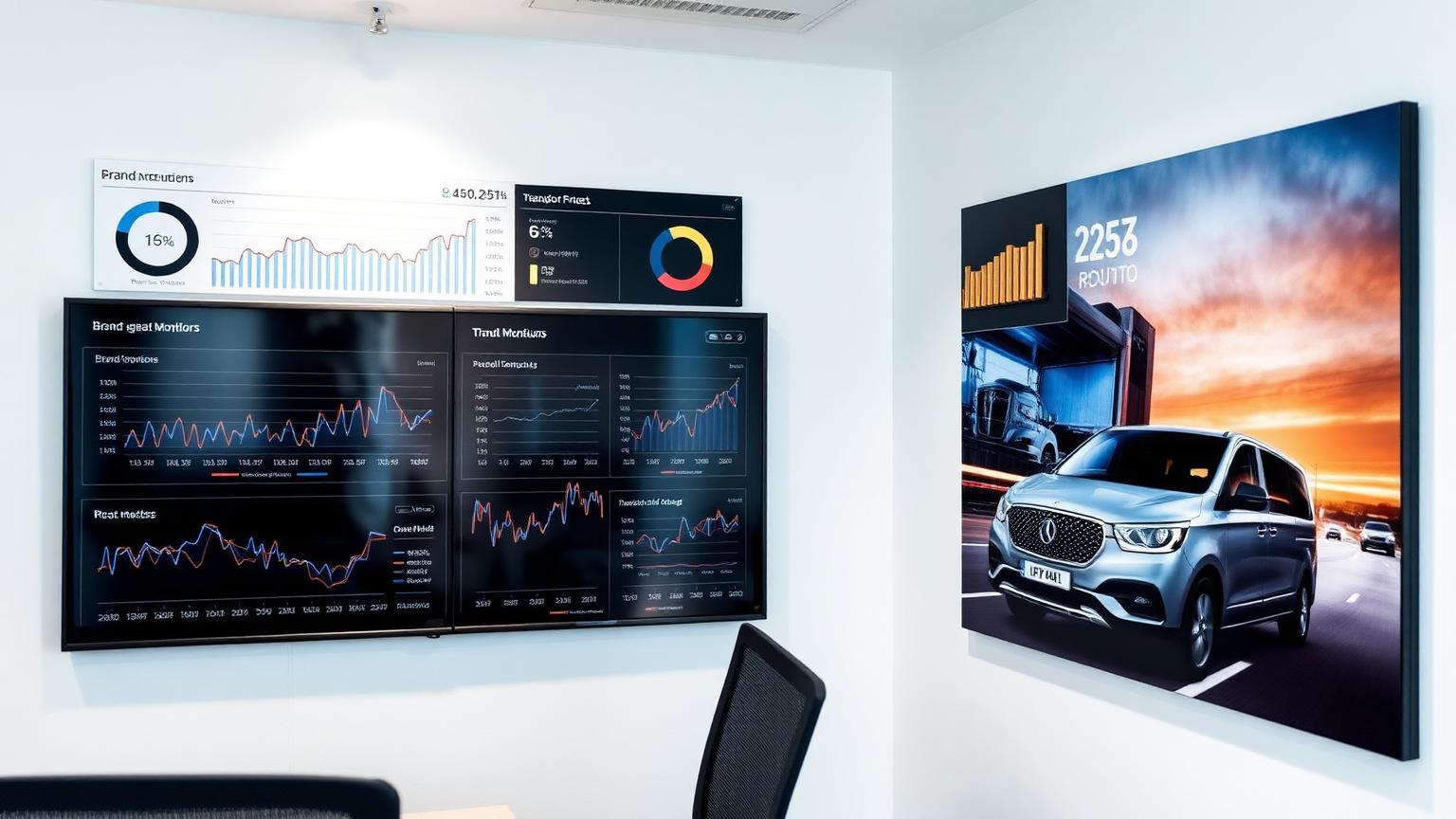
Driving business growth with a proven dispatch platform
Our ground-breaking system has helped operators scale from 100 to 5,000+ vehicles, unlocking multi-million dollar revenue growth across three continents.
250+
Operators
0%
Platform commission
24 hrs
Website setup
Premier Taxi and Limo Dispatch Solution Studio: AI-powered dispatch, online booking, branded driver & passenger apps, payments and AI search visibility (SEO + AEO + GEO).
By Taxi Web Design · Last updated: October 2026

Trusted by taxi, limo, and chauffeur businesses across 50+ countries.
 A Chauffeurs
 Taxi Met Kinderstoeltjes
 Silverstar Chauffeurs
 Infinity Chauffeurs
 OnRoutz
 USA Luxury Limo Service
 First Class Chauffeur
 Baaz Limo
 Atlas VIP
 Trident Taxis
The Infrastructure
Our platform isn't just a website — it's a command centre. Manage bookings, monitor your fleet and deliver a seamless mobile experience for your passengers without ever compromising on your brand's luxury identity.
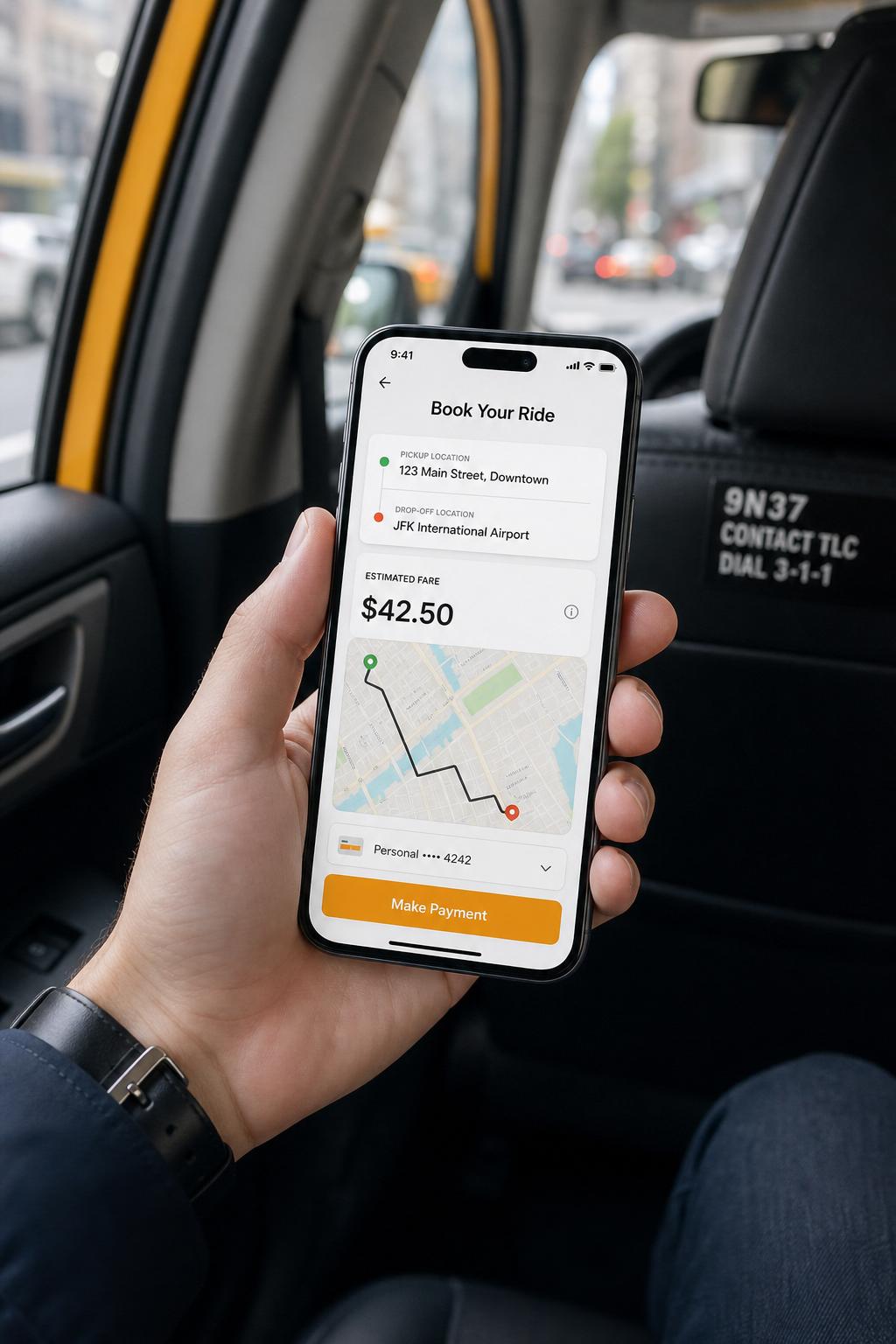


Taxi Web Design allows businesses to manage all daily operations — from booking and dispatch to invoicing, driver wages and reporting — in one highly configurable system tailored to your individual needs.
Our ground-breaking system has helped operators scale from 100 to 5,000+ vehicles, unlocking multi-million dollar revenue growth across three continents.
Every deployment is fully configured to your fare rules, booking types, zones and workflows — no rigid templates, no compromises.
Best-driver, plot, bid and offer allocation combine to deliver proven 100% automated allocation, freeing your team to focus on customers.
Enterprise-grade uptime, encrypted payments and branded passenger apps make every ride feel safe, familiar and reliable.
Continuous product releases, cloud-first architecture and open APIs mean your platform grows with you — not against you.
Real-time driver wages, commission tracking, invoicing and account jobs give you full financial visibility from day one.
Operators · In Their Words
“We switched from a per-ride commission model to our own branded platform in a weekend. Dispatch is faster, drivers actually use the app, and our margin on every airport job went up.”
“The dispatch console feels like an air-traffic tower. We can see every vehicle, reassign jobs in seconds, and the caller ID integration means we recognise repeat clients the moment the phone rings.”
“Our passenger app finally looks like a premium product. Bookings are up 38% since launch and we stopped paying ride-hailing commissions altogether.”
Branded mobile apps connected to your dispatch center — passengers book in seconds, drivers accept, navigate, and track earnings in real time.
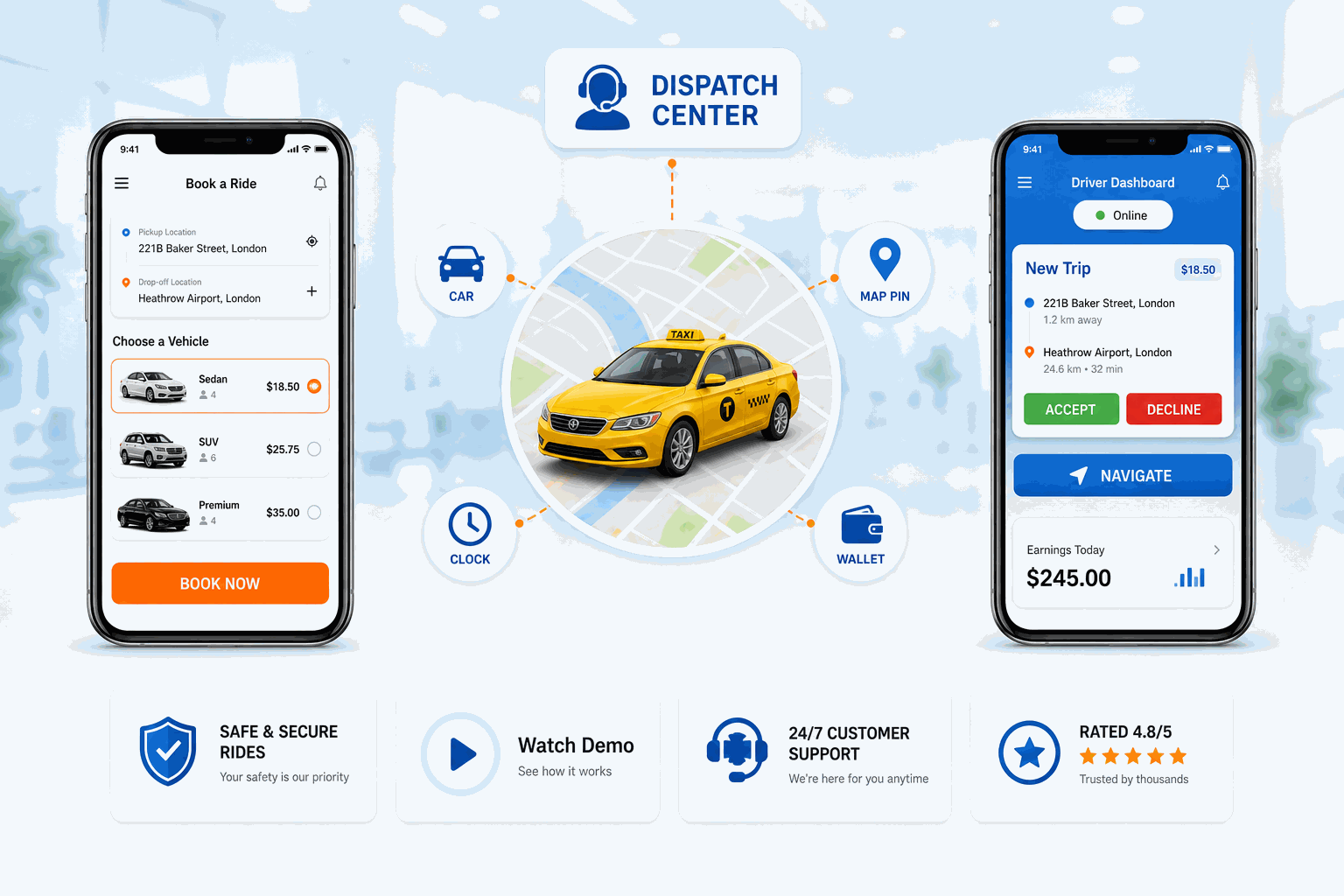
Stay competitive, attract new customers
Launch your own branded iOS & Android passenger app with live map, fare estimates, saved addresses, card payments and push notifications — automate bookings 24/7.
Tell me more
Watch how our dispatch system handles bookings, driver allocation, GPS fleet tracking, and payment processing in a single platform. See the complete solution in action.
Our launch announcement was distributed through EIN Presswire and syndicated to news websites. These are press-release copies, not independent product reviews or endorsements.
Real 5-star reviews from verified customers on Trustpilot.
"Working with Mr. Sunil has been a transformative experience for our limo dispatch and SEO marketing efforts. The dispatch system he implemented is intuitive and efficient, streamlining our booking and driver management processes. On the SEO front, we've seen a noticeable improvement in our online visibility and customer engagement. Highly recommend."
"Working with Mr. Sunil has been one of the best decisions we've made. From day one, he understood exactly what our limo business needed and delivered more than we expected. The new web booker is clean, fast, and simple for our clients to use — and it's already making a difference in our daily bookings."
"I've worked with their team on multiple taxi and airport transfer websites — web booker setup, web-based dispatch, branding, and SEO. Professional, responsive, and detail-focused service that elevated every site. Highly recommended."
"Their team is hands-on and proactive, helping us sharpen our digital presence and push our branding to the next level. They've handled everything from marketing strategy to online visibility with real professionalism. Sunil, in particular, has been outstanding — always responsive and on point."
"We're extremely happy! They've been working relentlessly on both the digital marketing and branding sides for my company. Their team has delivered real value — streamlining our digital solutions and strengthening our brand recognition. Highly recommend if you want serious results."
"Taxi-webdesign.com is the firm to work with if you want to keep up to high standards. The professional workflows they stick to result in exceptional quality. Important — they help you think with the business logic of your application. Great skills, good communication, and happy with the results."
Real enterprise solutions built for real businesses around the world.
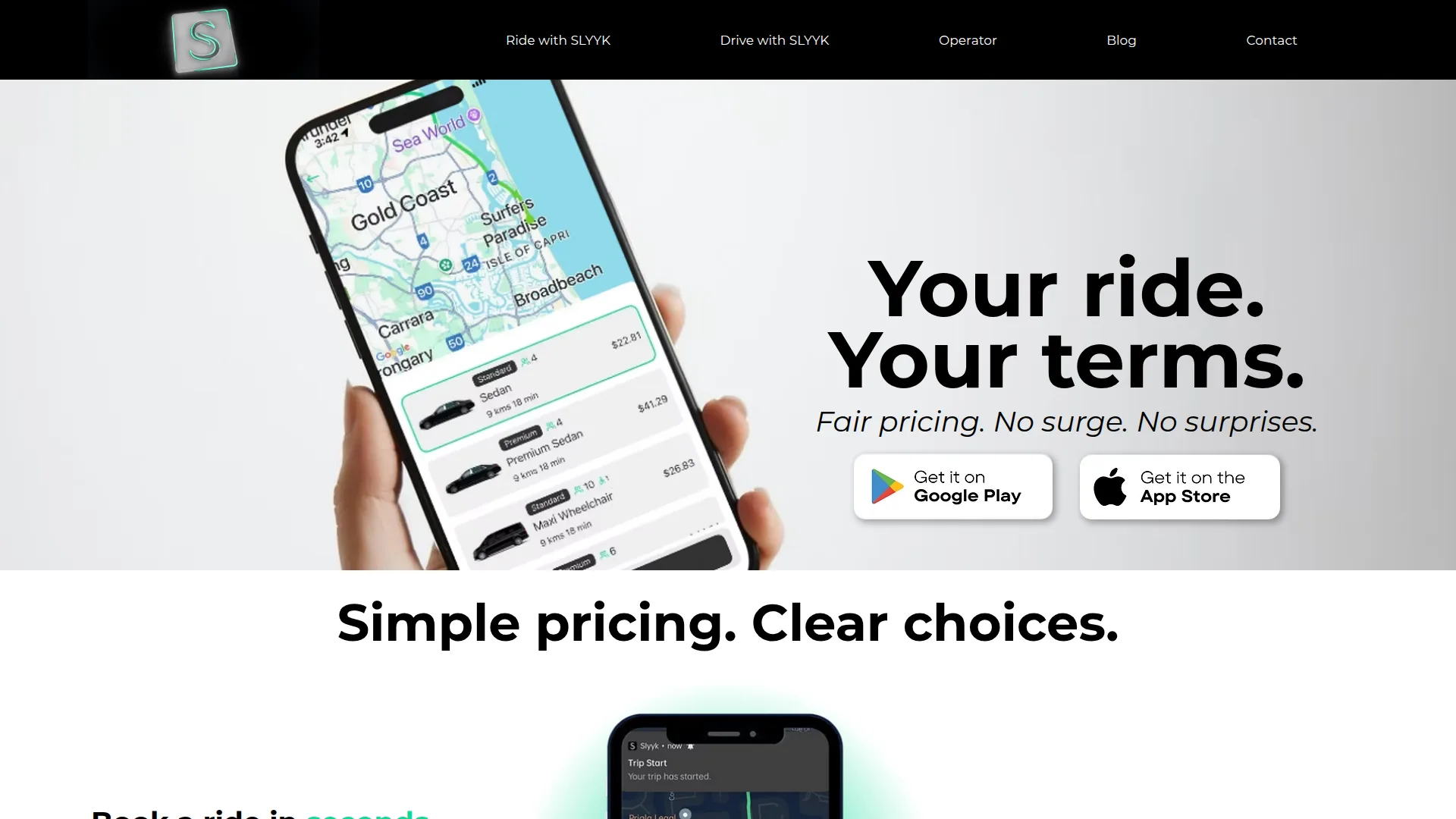
A modern ride-hailing platform with fair pricing and seamless apps.
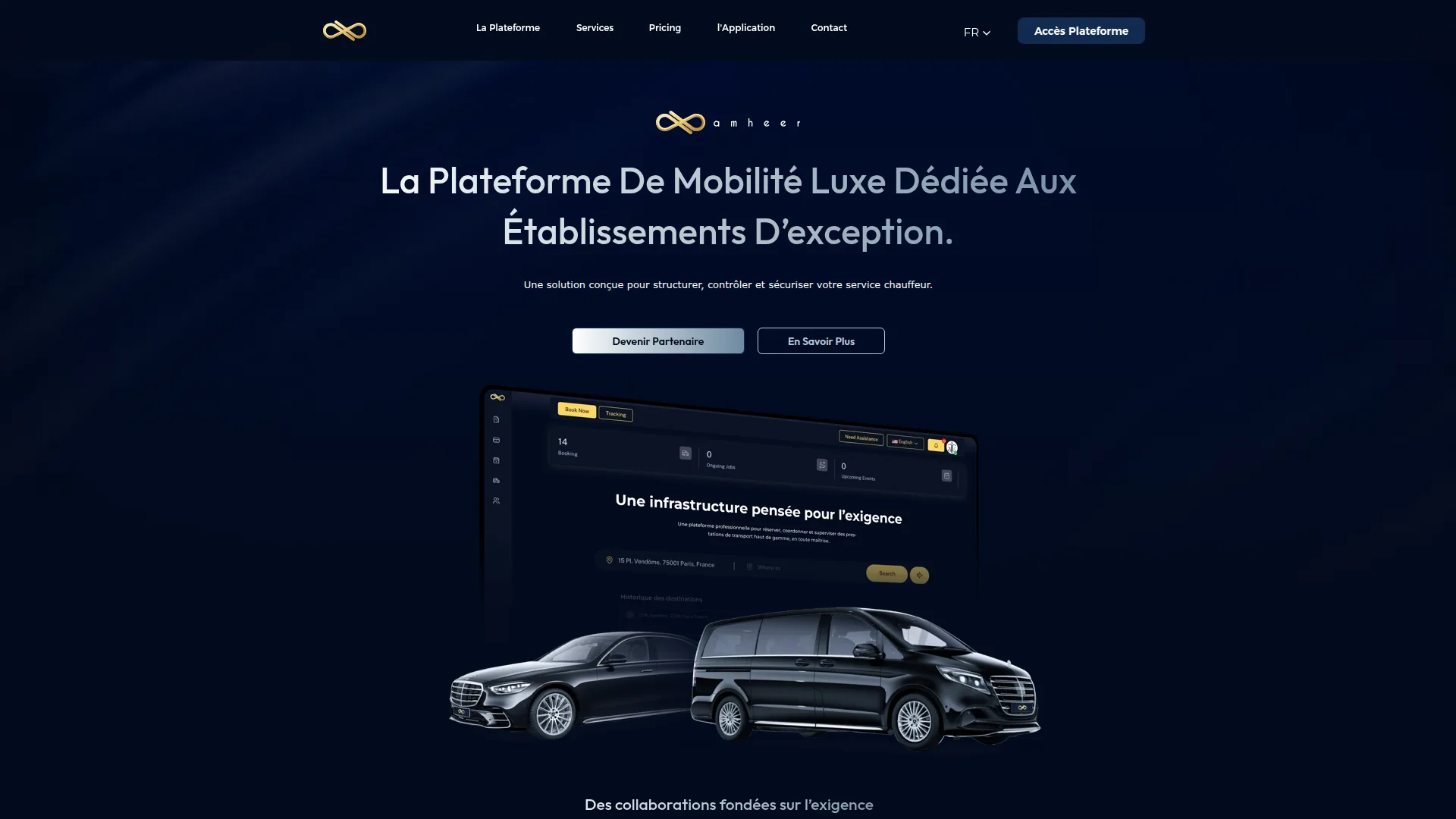
A premium luxury mobility platform dedicated to high-end establishments in France.
Taxi Web Design is an all-in-one cloud dispatch platform for taxi, limo, and chauffeur businesses.
Taxi Web Design has served 250+ operators across 50+ countries since 2018. View our client portfolio or explore our complete solution overview.
About Taxi Web Design50+
Countries Served
250+
Active Customers
100%
Custom Solutions
End-to-end solutions for taxi, limo, and chauffeur businesses — or view all industry solutions.
Cloud-based dispatch software with real-time GPS tracking, automated driver assignment, zone-based pricing, booking management, and a complete operator dashboard.
Fully branded iOS & Android apps for both passengers and drivers — your logo, your colors, your brand on every screen.
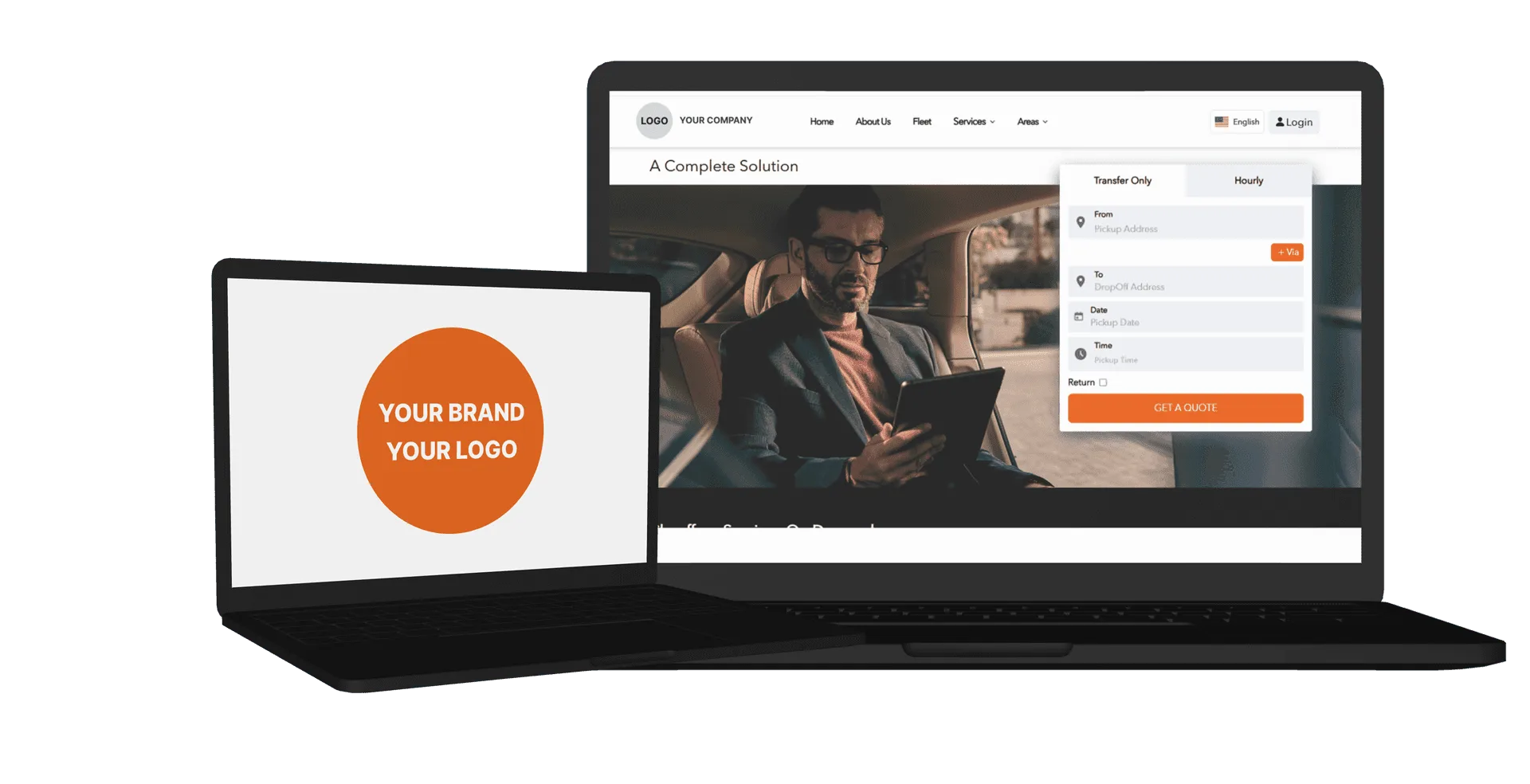
A responsive web booking widget that integrates with your website. Passengers book rides, get fare estimates, and pay online.
Manage your entire operation from a cloud-based admin panel — driver profiles, fleet documents, revenue reporting, and role-based access.
Dedicated product team to help you set up, migrate, and scale your dispatch operations with ongoing support and training.
From search to ride tracking in four seamless steps — the modern booking experience your passengers expect in 2026.
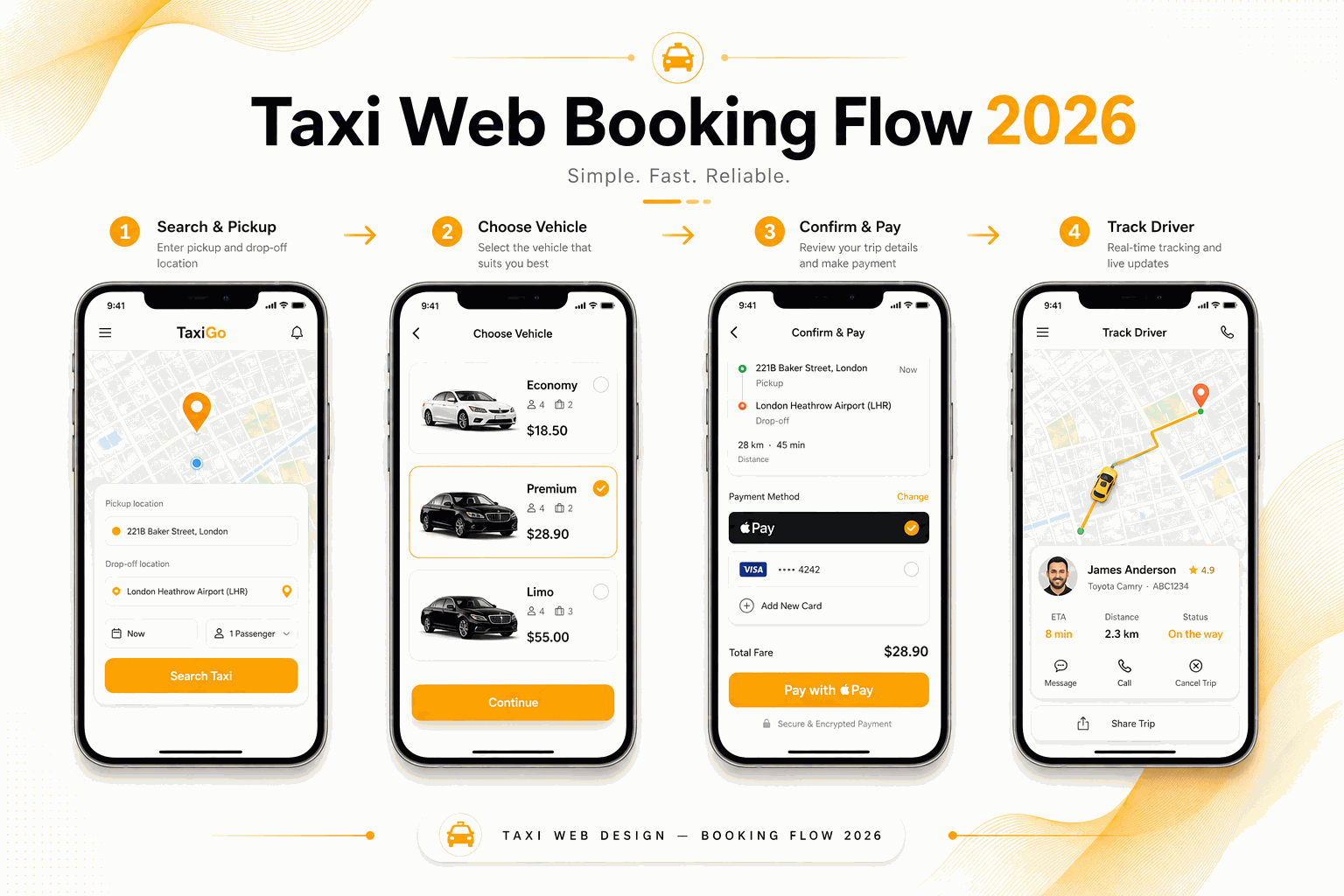
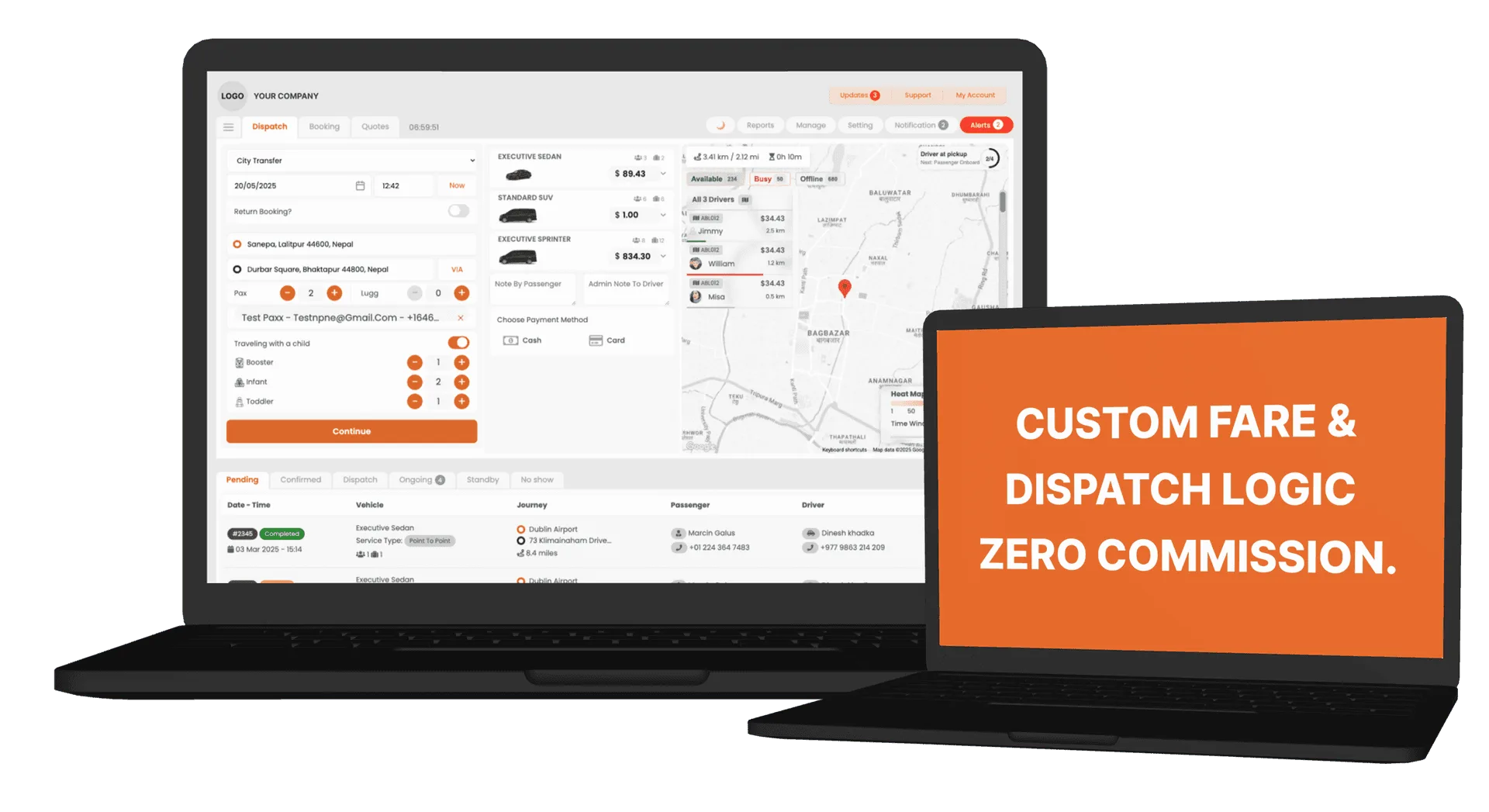
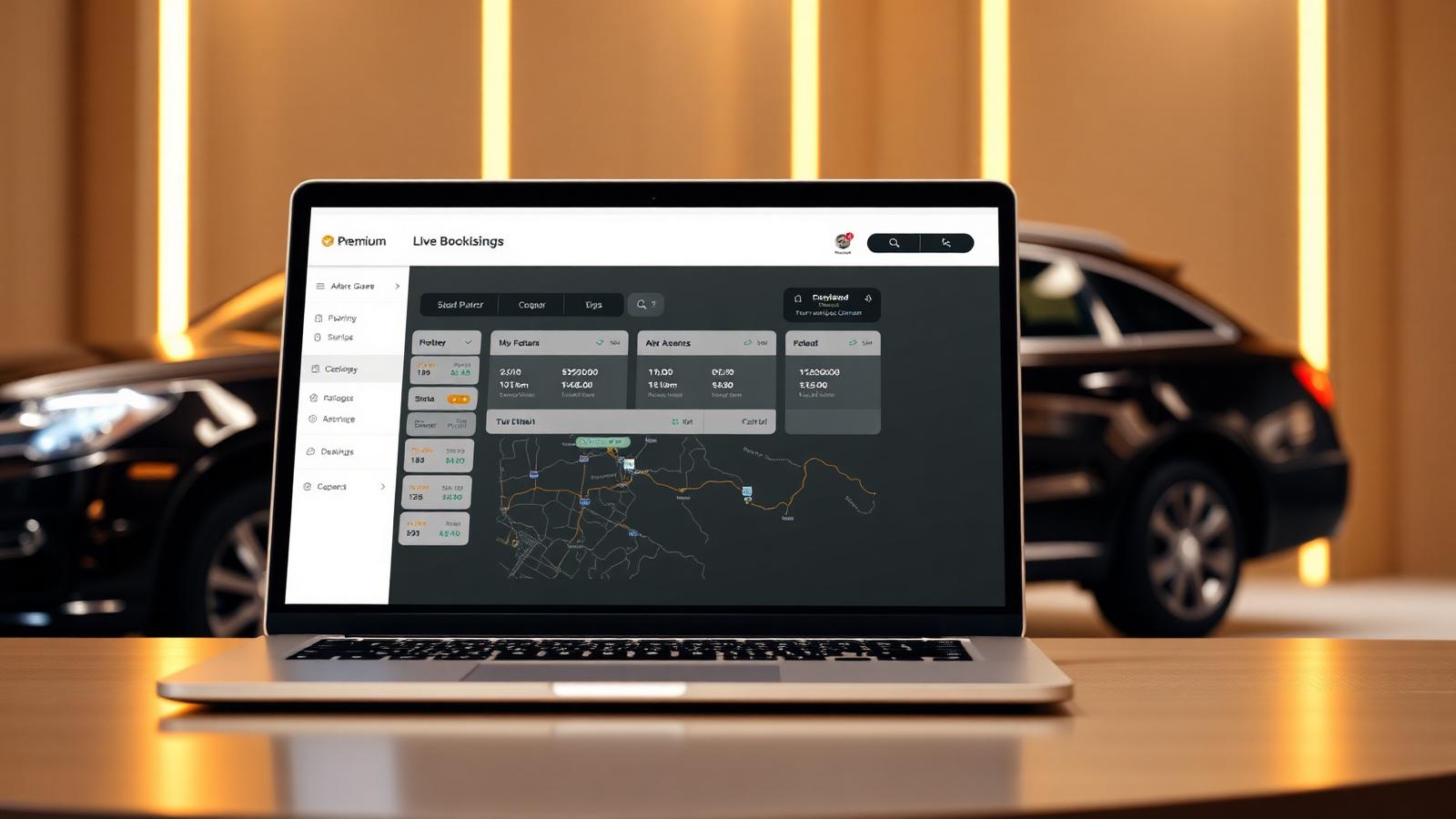
Manage live bookings with real-time tracking, smart job allocation, and complete visibility. Operators can assign, monitor, and control trips instantly, ensuring efficiency and zero delays. A seamless bridge between your team, your drivers, and your customers.
Your control center, allowing you to manage bookings, drivers, and passengers all in one place. Operator receives the booking, confirms the booking, and assigns the booking to driver.

Passenger can make booking from app, web or call operator to make a booking. Track rides in real-time, rate drivers, and manage payment methods — all from a fully branded mobile app.

Empowering your drivers with real-time job notifications and seamless job management. Driver can accept or reject the job, navigate to pickup, and complete trips efficiently.
Four core components work together to power efficient fleet operations.
Dispatch operators manage live bookings using real-time GPS tracking. The system automates job allocation and provides full operational visibility from a central dashboard.
Explore the Dispatch SystemThe Web Booker is an online booking portal where passengers schedule rides directly from your website. Operators receive and manage bookings seamlessly through the dashboard.
Explore Online BookingThe Passenger App lets riders book trips, track their driver in real-time, and pay securely in-app. Available as a branded iOS and Android app with your company identity.
Explore the Passenger AppThe Driver App delivers real-time job notifications, turn-by-turn GPS navigation, earnings tracking, and document management — all branded with your company logo.
Explore the Driver AppTaxi dispatch software is a cloud-based platform that automates ride allocation, driver tracking, booking management, and payment processing for taxi, private hire, and limousine operators. It replaces manual phone-based dispatching with intelligent algorithms that match passengers to the nearest available driver in real time.
Taxi Web Design's dispatch system serves over 250 operators across 50+ countries, providing a complete ecosystem that includes a dispatcher console, branded passenger app, driver app, and online booking widget.
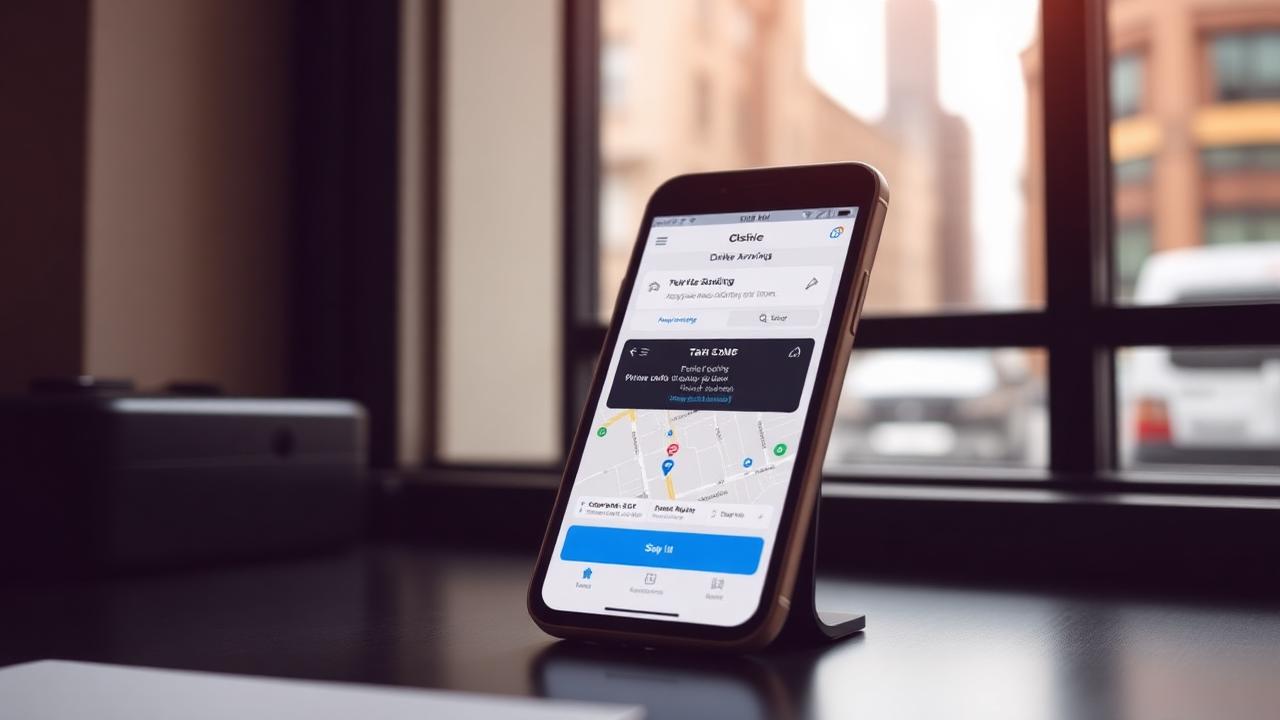
Your passengers expect the same seamless booking experience they get from Uber and Bolt — but without the 20–30% commission. Taxi Web Design delivers fully branded passenger apps and driver apps on both iOS and Android, white-labelled with your company name and logo.
The passenger app features one-tap booking, live driver tracking, fare estimates, multiple payment options, ride scheduling, and driver ratings. The driver app includes push notification job alerts, GPS navigation, earnings tracking, digital fare meter, and SOS safety features.
Zero Commission
Keep 100% of fares
White-Label
Your brand on App Stores
iOS & Android
Full platform coverage
2–4 Week Launch
Fast time to market
Limousine operators have unique requirements: advance reservations, corporate account management, flight tracking for airport transfers, hourly billing, and multi-vehicle class rate management. Taxi Web Design's limo operator solution is purpose-built for these workflows.
The platform handles everything from sedan and SUV dispatching to stretch limo and sprinter van management. Corporate clients get monthly consolidated invoicing, while operators benefit from detailed analytics on revenue, fleet utilisation, and driver performance. Explore airport transfer management, corporate transport solutions, livery & black-car dispatch, and TfL-compliant PHV software for London operators.

Every operator, from a single chauffeur to a 500-vehicle fleet, gets the same promise: zero per-trip commission, no per-driver fees.
Launch fast
From $399 setup · from $10/month
Ideal for 1–10 vehicle operators who need professional bookings live within 24 hours.
Full platform
From $8,500 one-time
For operators running 10 to 500+ vehicles who want branded apps and source-code ownership.
Not sure which fits? Book a live demo — we'll match you to the right product in 15 minutes.
Get 50% OFF your setup fee & first month — use code at checkout
Apply at Stripe checkout · Discount validated automatically
One-time setup, low monthly fee. No hidden charges. No per-driver fees. No long-term contracts.
was $10/mo
Then $5/month (first month, then $10/mo)
Best For
Includes
was $30/mo
Then $15/month (first month, then $30/mo)
Best For
Includes
Many companies charge
Our advantage
We build the business for you — you take care of your customers.
Two purpose-built editions for the operators competitors ignore.
Private Hire · Compliance
Pre-booking enforcement, driver document tracking, audit reports and secure data residency for private hire operators.
Explore ComplianceLivery · Black Car
Reservations, CRM, corporate accounts, affiliate network and branded apps for chauffeur, livery and black-car operators.
Explore Livery DispatchSee how Taxi Web Design stacks up against the platforms small limo & chauffeur operators usually consider.
Search 288+ guides on taxi dispatch software, limo operations, pricing, white-label apps and airport transfers — written for operators, not for search engines.
Why operators switch
The same dispatch power, without commission on your trips, without lock-in contracts, and without months of waiting to launch.
| Feature | Taxi Web Design | Typical Competitor |
|---|---|---|
| Your own branded booking website | Extra fee | |
| Per-trip commission | 0% — zero commission | Varies by vendor |
| Driver & passenger apps (iOS + Android) | Paid add-on | |
| Go-live time | Website: 24 hours; apps: 2–4 weeks | Confirm with vendor |
| Source-code ownership (Enterprise) | ||
| Caller ID & telephony integration | ||
| Monthly cost for a 5-driver fleet | App dispatch: $499 setup + $149/month USD | Compare a written quote |
| Contract lock-in | None — cancel anytime | 12–24 month terms |
Website and app timelines differ · Zero platform commission
Direct answers on security, uptime, pricing and launch time for cloud taxi dispatch software.
Direct, answer-first responses to the questions buyers ask us — and ask AI search — before booking a demo.
Common questions about our taxi dispatch software, apps, and platform. Contact support for anything else.
Quick Answer
Taxi Web Design is a white-label taxi, limo, chauffeur and private hire dispatch platform used by 250+ operators across the US, EU, Canada and the UAE. One flat Enterprise plan from $8,500 gives you a branded passenger app, driver app, dispatcher console, online booking website, corporate account billing, farm-in/farm-out and source code ownership — no per-trip commission and no per-driver seat fees. Website launch and mobile-app deployment have separate timelines, and native workflows cover hourly charter, garage-to-garage billing, FBO airport pickups, configurable PHV booking records and GNet-style affiliate exchange. Book a demo to see it live on your fleet.